 3DP Hub
3D Printing Guides and Tutorials
Create and follow step-by-step guides for 3D printing modifications
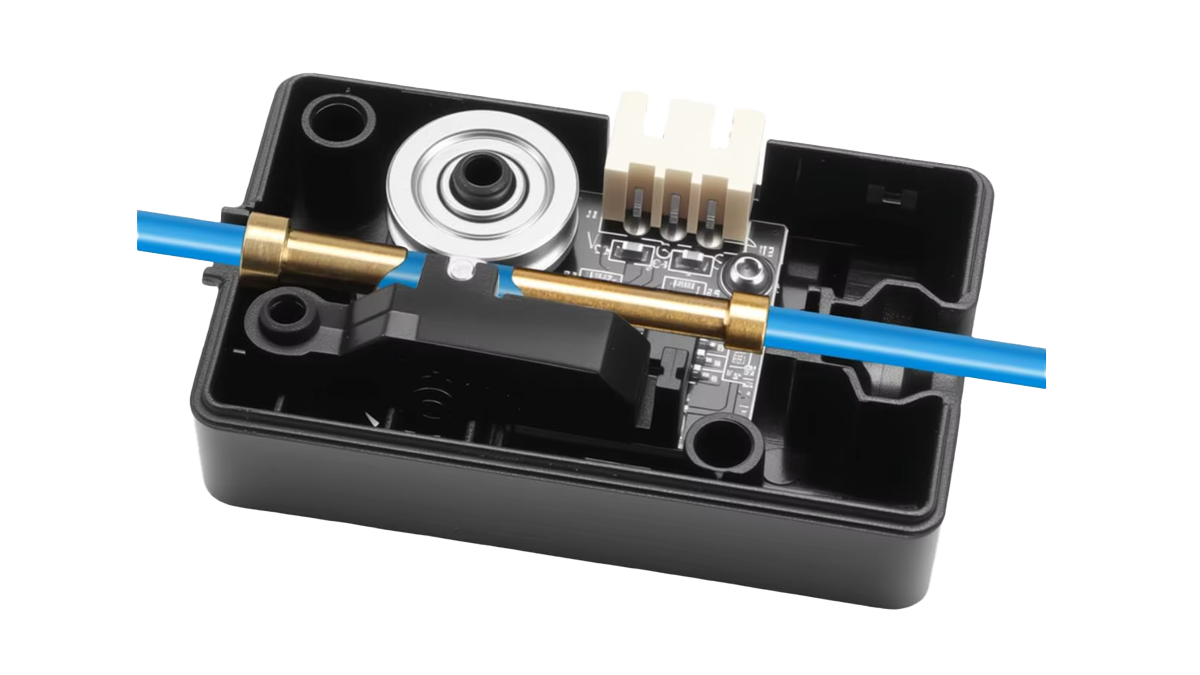
How to disable the filament sensor on a Creality K1 Series
- 3DP Hub - November 12 2026The factory sensor can become dirty, jammed or faulty. You can disable it to prevent false stops and error codes, or to use an aftermarket sensor as the one source of truth eg. the sensor built into the DXC extruder.
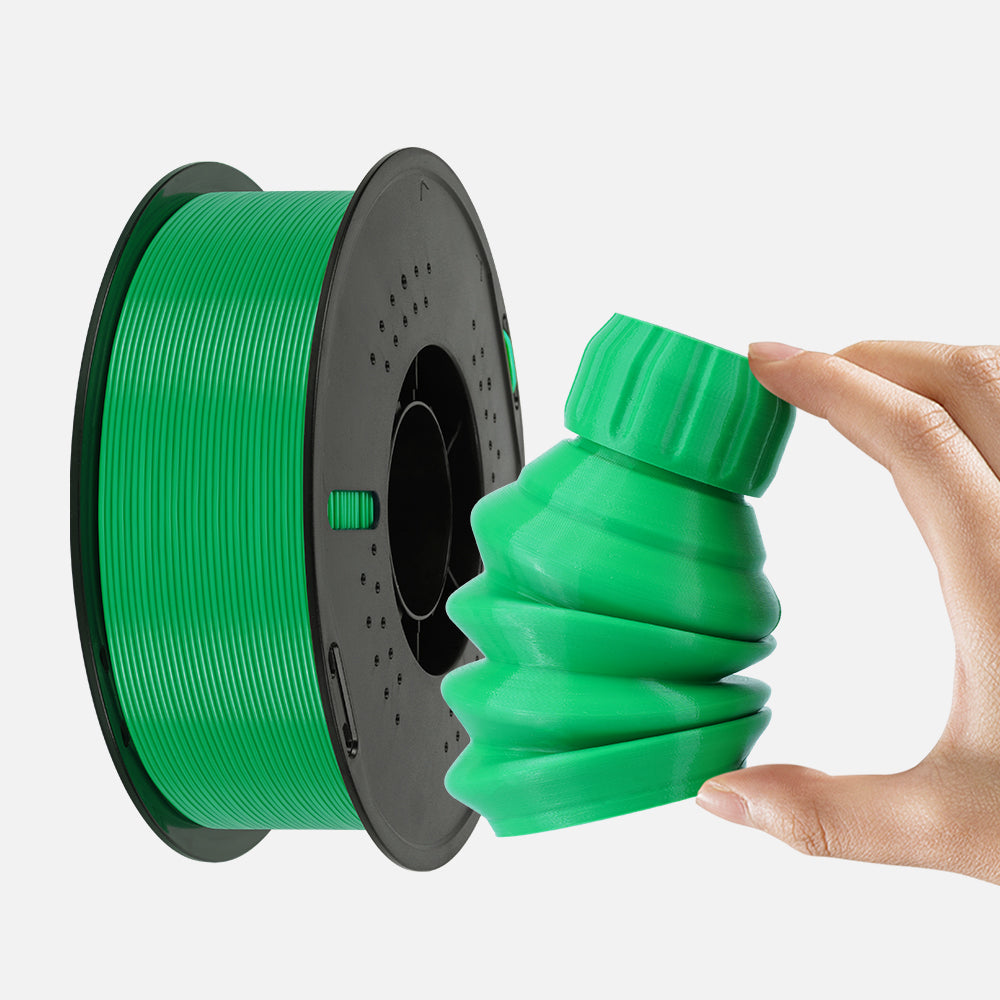
TPU Printing Guide
- 3DP Hub - November 11 2026How to print TPU

Bed Fans Upgrade Guide
- 3DP Hub - July 30 2026WORK IN PROGRESS. These fans take the heat that naturally builds up under the heated bed and circulate it through the print chamber. The result is a warmer, more stable environment that makes high-temperature filaments much easier to print without warping.

Nozzle PID Calibration
- 3DP Hub - June 9 2026This calibration should be done when you change a hotend or nozzle. It measures how your new setup heats up and tunes the heating to eliminate temperature fluctuations which can affect quality.
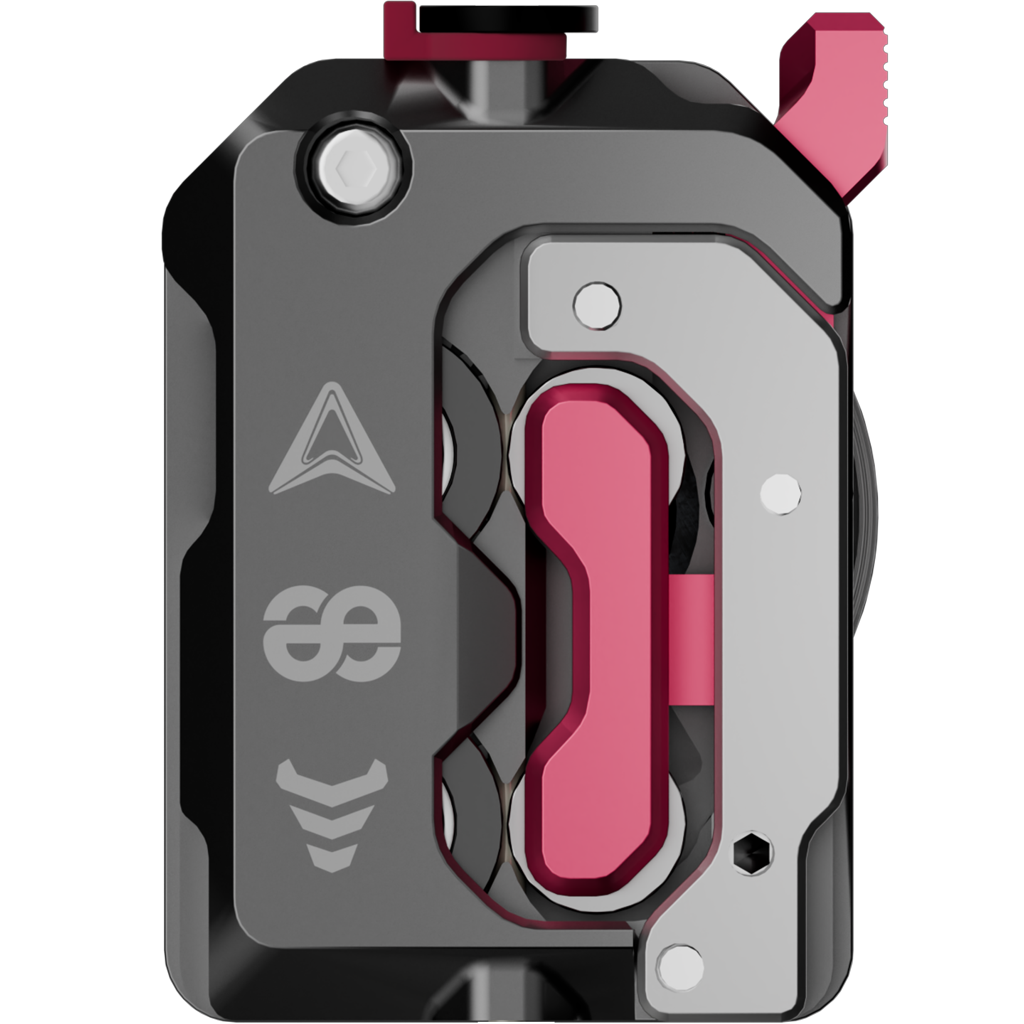
DXC Extruder Guide
- 3DP Hub - May 31 2026The DXC Extruder is a dual‑gear direct‑drive upgrade that delivers smooth, reliable filament feeding for higher-quality 3D prints across multiple materials. It is the best drop-in upgrade for the Creality K1 series. Root access is required to ensure your config is set up correctly.
DXC2 Extruder Guide
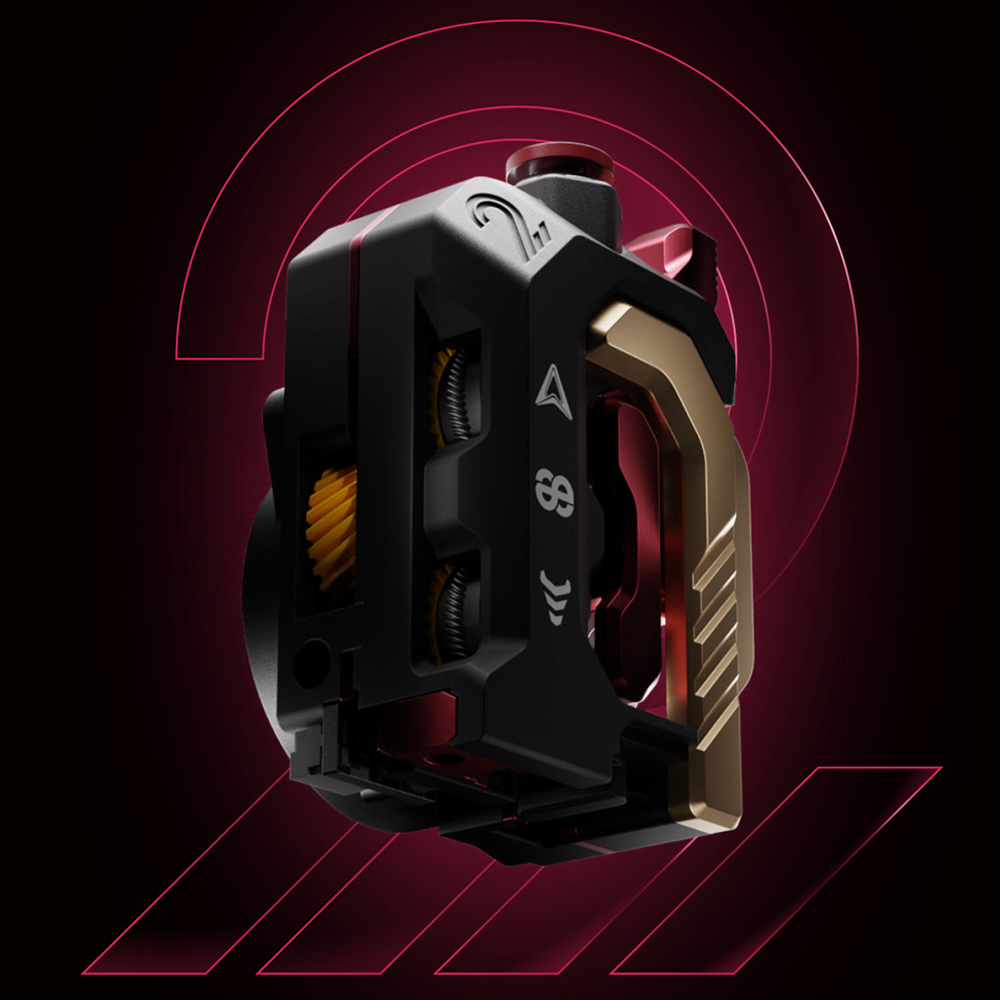
- 3DP Hub - May 29 2026Complete extruder redesign for the Creality K2 series by DevilDesign × Phaetus. Featuring a patented Magnetic Snap quick-release, dual-gear linkage for superior grip, DLC-coated replaceable blades, and real-time filament runout detection.
Bed Leveling Knobs
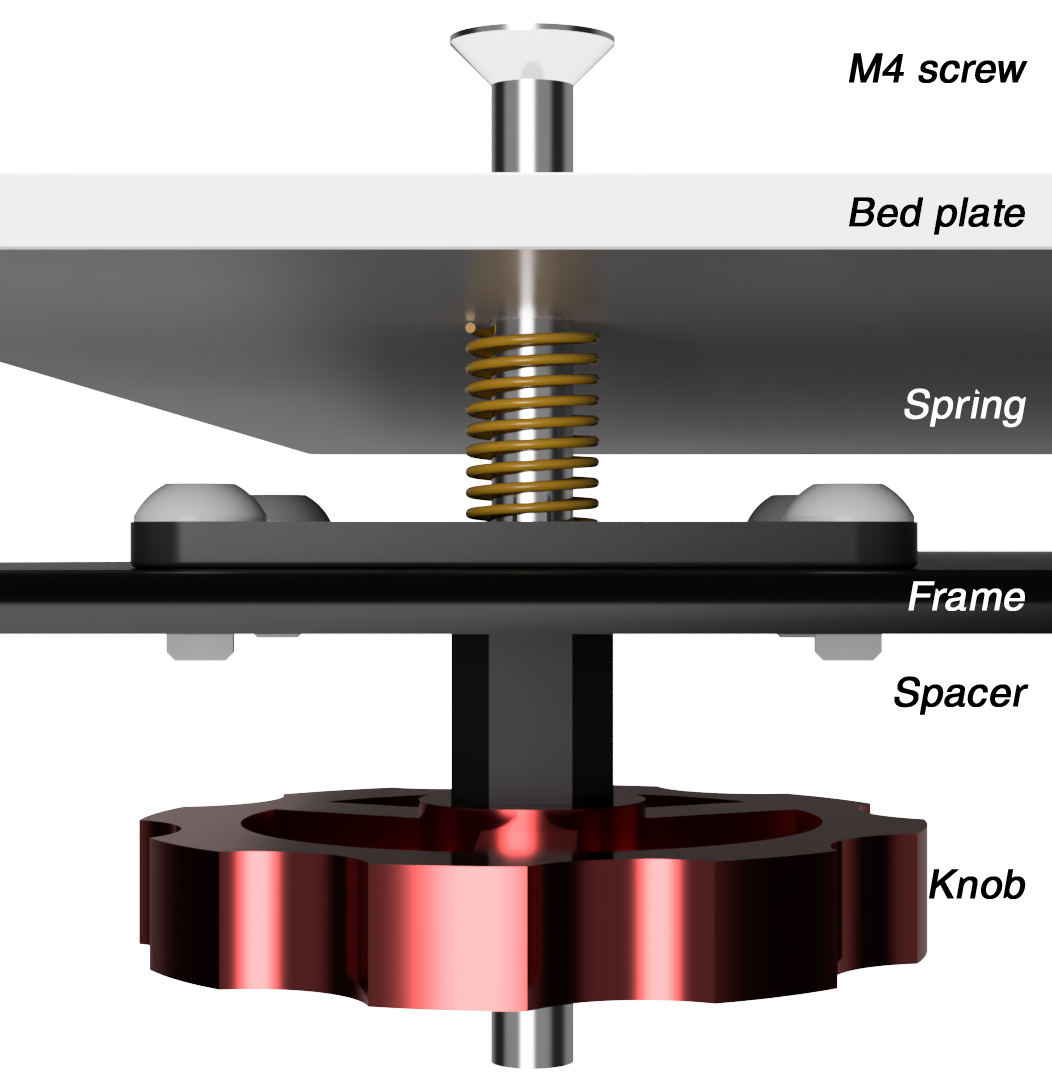
- 3DP Hub - March 22 2026The K1 series does NOT have automatic bed leveling! This upgrade allows you to fine tune your bed level using the screws_tilt_calculate command in fluidd. This method is superior to tooth skipping and the Creality method. It's quick, easy and accurate.
Root Access Quick Start Guide
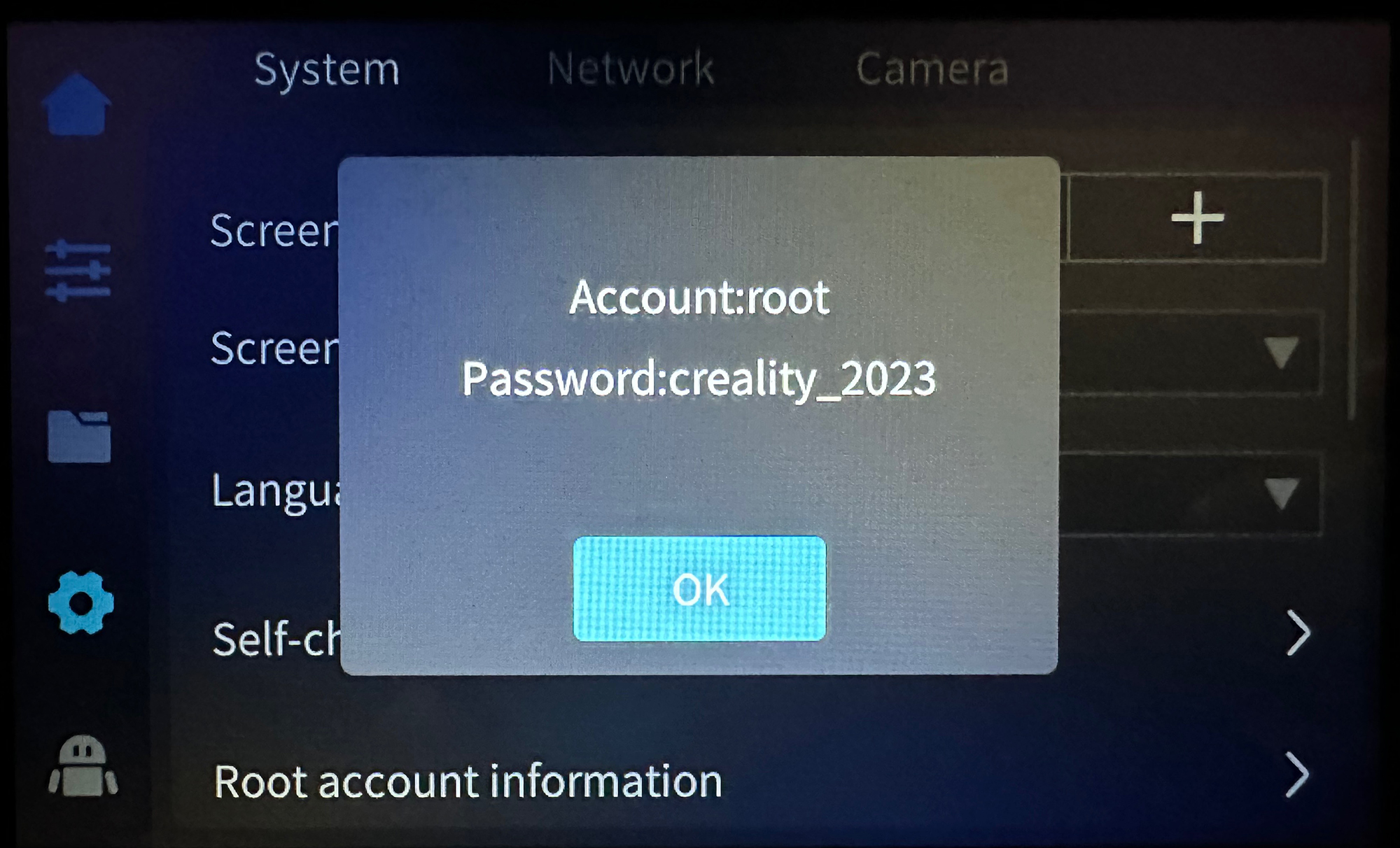
- 3DP Hub - March 20 2026This opens the door to new upgrades, tuning, backup and monitoring possibilities. Common use cases: Controlling your printer via the full-featured fluidd interface, reading klipper logs for troubleshooting, bed leveling.

Toolhead PCB Replacement
- 3DP Hub - March 11 2026Also known as the PCBA, this board connects everything on the toolhead. Common reasons for replacing are nozzle blowouts (blobs), retrofitting older boards to restore functionality, and fixing extruder motor issues.
Flow Rate Calibration
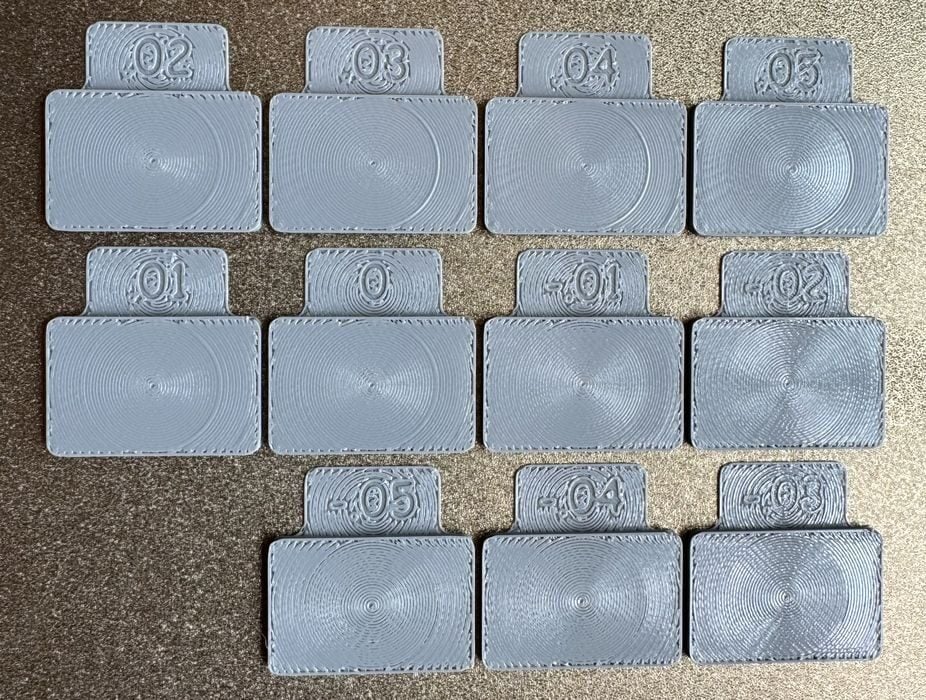
- 3DP Hub - March 5 2026Flow ratio determines how much filament is extruded and is crucial for high-quality prints. A properly calibrated flow ratio ensures consistent layer adhesion and accurate dimensions.
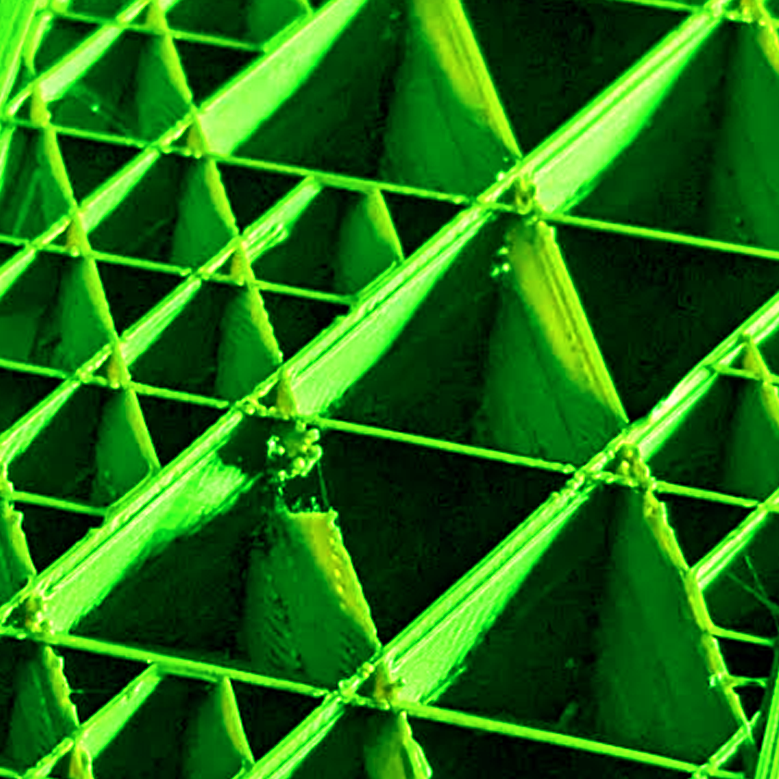
Why Some Infill Patterns Are Bad
- 3DP Hub - February 27 2026When your printer makes something solid, it doesn't fill the whole inside with plastic. That would waste a lot of plastic and take forever. Instead it draws a pattern on the inside, kind of like a waffle or a honeycomb. This pattern is called infill. And some patterns cause problems.

Pressure Advance Tower Calibration
- 3DP Hub - February 24 2026Pressure Advance calibration helps compensate for the lag in extrusion pressure that occurs when the print head changes speed, particularly on edges and corners.
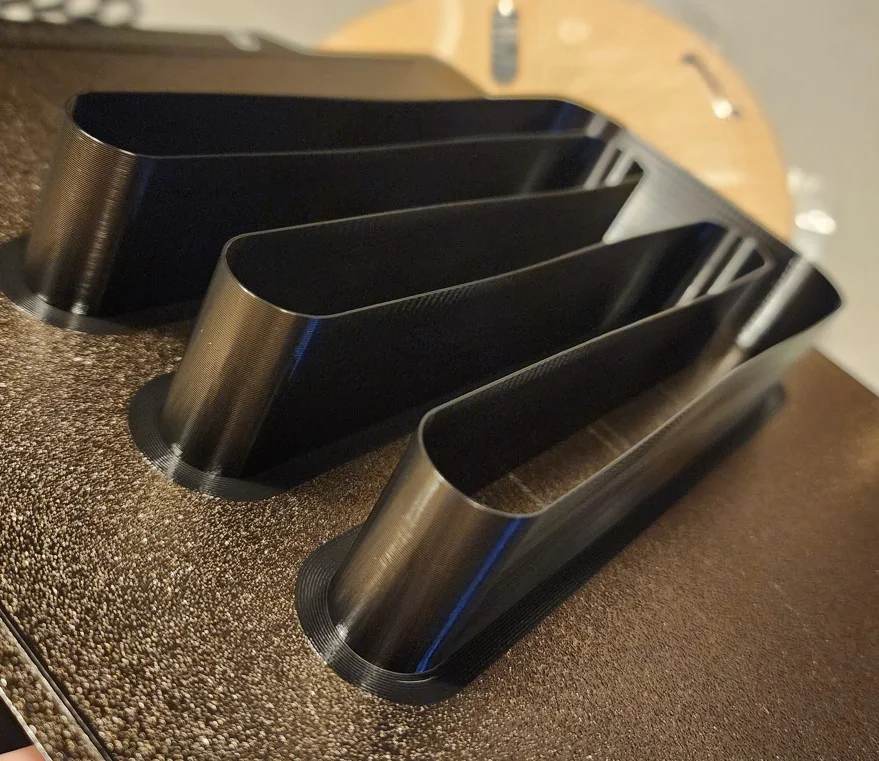
Max Volumetric Speed Calibration
- 3DP Hub - February 24 2026This parameter dictates the true max speed you can print at before running into flow related issues like underextrusion, poor adhesion and clogging.

Retraction Length Calibration
- 3DP Hub - February 24 2026Minimizes stringing and oozing while reducing extruder clogs and wear. High retraction can cause melted filament to travel back into the extruder. Low retraction can cause quality issues.
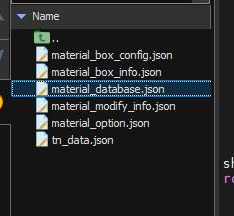
How to change CFS filament temperature
- 3DP Hub - February 17 2026A workaround for changing the CFS purge temperature and tricking the printer into using Creality RFID tags with non-Creality filaments.
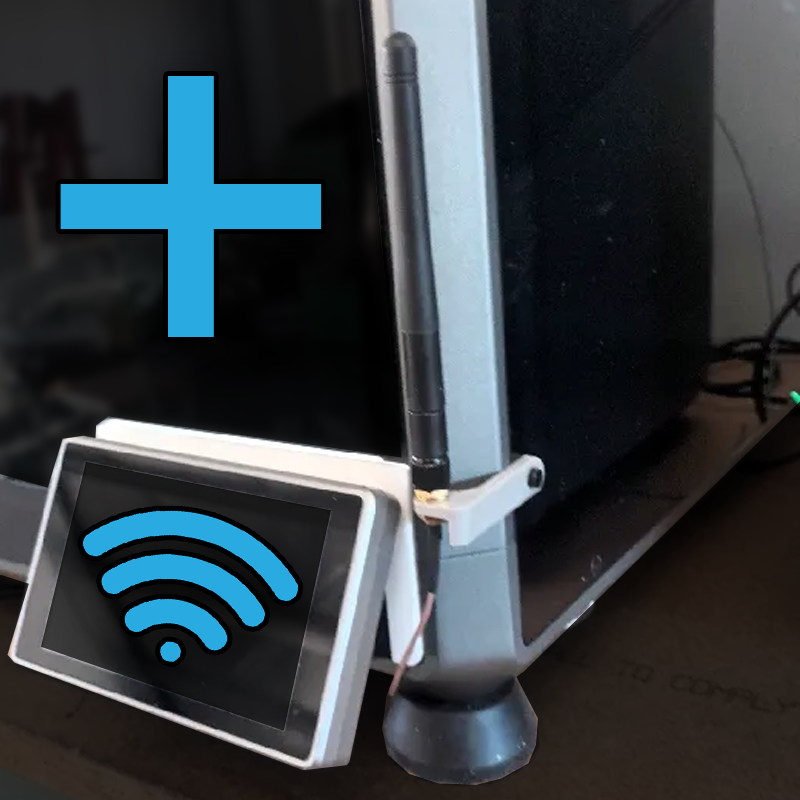
Wifi Antenna Upgrade
- 3DP Hub - November 16 2025Tired of your K1 Max dropping Wi-Fi like it’s 1999? This is a simple but powerful external antenna mod that massively improves your wireless reception. Mounts a U.FL to RP-SMA cable and external antenna directly onto the printer’s chassis.